
Multi-location management: centralize your reviews
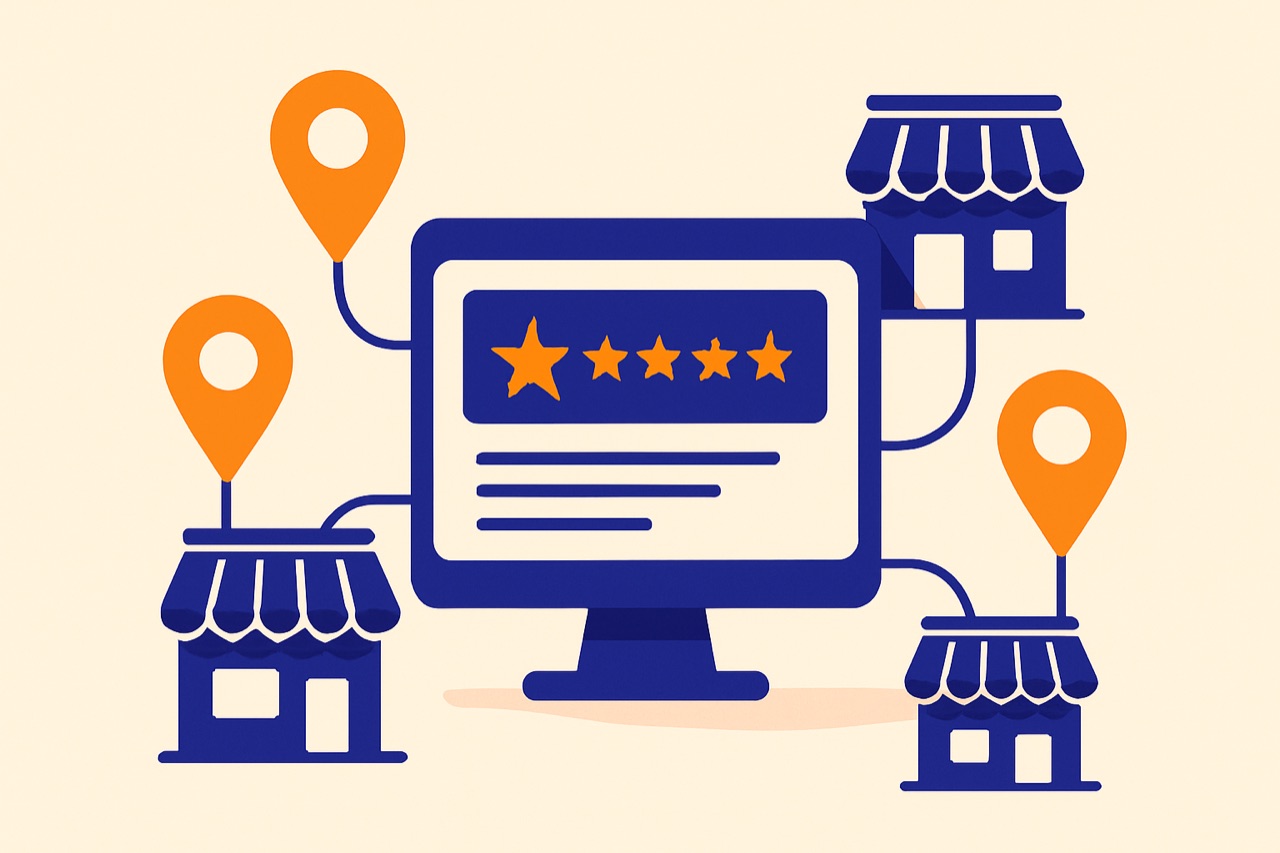
Managing online reviews for a single location is challenging enough. But when you operate multiple locations — whether it is 3 restaurants, 10 dental offices, or 50 retail stores — the complexity multiplies exponentially. Each location has its own reviews, its own reputation, and its own customer base. Without the right tools and strategy, reviews fall through the cracks, response times suffer, and your brand reputation becomes inconsistent. This guide shows you how to centralize and streamline multi-location review management.
The challenges of multi-location review management
Before we dive into solutions, let us understand the specific challenges that multi-location businesses face:
- Fragmented data: Each Google Business Profile is separate. To get a full picture of your reputation, you would need to log into each profile individually — an impractical approach with more than a few locations.
- Inconsistent response quality: When different people manage different locations, response tone, speed, and quality can vary wildly. This creates an inconsistent brand experience.
- Unanswered reviews: The more locations you have, the easier it is for reviews to slip through the cracks. Unanswered reviews — especially negative ones — silently erode your reputation.
- No benchmarking: Without centralized data, you cannot compare location performance. Which locations are thriving? Which are struggling? You are flying blind.
- Team coordination: Who is responsible for which location? How do you prevent duplicate responses or ensure accountability? Multi-location management requires clear roles and workflows.
Centralizing all reviews in one interface
The foundation of effective multi-location management is a single dashboard where you can see and act on every review across all your locations. Here is what Reevio provides:
- Unified review feed: See all reviews from all locations in one chronological feed. Filter by location, rating, status (pending, replied, AI ready), or date range.
- Location-level views: Drill down into any specific location to see its individual reviews, ratings, and response history.
- Status tracking: Instantly see which reviews need attention. Color-coded indicators show pending reviews, AI-generated drafts waiting for approval, and completed responses.
- Quick actions: Respond to any review from any location without switching accounts or logging into different profiles.
- Global search: Search across all reviews to find specific feedback, reviewer names, or topics.
Per-location AI configuration
Each of your locations has its own personality, strengths, and customer base. A generic, one-size-fits-all response strategy does not work. Reevio lets you configure AI settings independently for each location:
- Unique business description: Each location can have its own description that the AI uses to craft contextually relevant responses. A beachside cafe and a downtown business lunch spot should not sound the same.
- Custom tone preference: Set one location to use a professional tone (e.g., a law office) while another uses a friendly tone (e.g., a family restaurant).
- Location-specific instructions: Add custom directives for each location. For example: "Always mention our free parking" for one location, or "Remind customers about our loyalty program" for another.
- Different signatures: Each location can have its own closing signature ("— The Marina Cafe Team" vs. "— The Downtown Bistro Team").
- Autopilot settings: Enable autopilot at some locations while keeping manual control at others — perfect for locations with different review volumes or management styles.
Team roles and permissions
Multi-location businesses need clear accountability. Reevio's role-based access control lets you assign the right level of access to each team member:
- Admin: Full access to all locations, all settings, billing, and team management. Typically reserved for business owners or operations managers.
- User: Can manage reviews, respond to feedback, use AI tools, and manage solicitations for assigned locations. Cannot access billing or team settings.
- Viewer: Read-only access to the dashboard, reviews, and reports. Perfect for regional managers who need visibility without editing capabilities.
Assignment flexibility:
- Assign team members to specific locations (e.g., "Sarah manages Paris and Lyon")
- Assign team members to all locations for central management
- Easily reassign responsibilities when team members change roles
Accountability features:
- Track who responded to each review
- See response history by team member
- Monitor response times per location and per team member
- 1 Admin (owner): oversight of all locations
- 3 Users (regional managers): each manages 3-4 locations
- 2 Viewers (executives): read-only access for reporting
Consolidated reporting and insights
When you manage multiple locations, data-driven decision making becomes essential. Reevio provides consolidated reporting that turns raw review data into actionable insights:
- Cross-location comparison: Compare average ratings, review volumes, response rates, and sentiment trends across all your locations side by side.
- Performance ranking: See which locations are your top performers and which need attention, ranked by key metrics.
- Trend analysis: Identify rating trends over time — is a location improving or declining? Spot issues before they become crises.
- Theme analysis: AI identifies recurring themes in reviews across locations. For example, if "wait time" is a negative theme at 3 out of 10 locations, that signals a systemic issue worth addressing.
- Consolidated AI reports: Generate narrative reports that cover all locations or specific groups, providing an executive summary of your overall online reputation.
Using insights to take action:
- Share location-specific reports with local managers to drive improvement
- Identify best practices from top-performing locations and replicate them
- Allocate resources (staff training, marketing) based on data rather than guesswork
- Set performance targets and track progress over time
Key Takeaways
Multi-location review management does not have to be chaotic. With the right approach and tools, you can turn it into a competitive advantage. Here is what matters most:
- Centralize all reviews in one dashboard to eliminate blind spots
- Configure AI settings per location for authentic, contextually relevant responses
- Use role-based access to assign clear responsibilities and ensure accountability
- Leverage consolidated reporting to benchmark performance and identify systemic issues
- Enable autopilot at high-volume locations to maximize efficiency
With Reevio, managing 50 locations is as simple as managing one. Connect your Google Business Profiles, configure your locations, invite your team, and start responding to every review — automatically.
Try Reevio for free and discover how AI can transform your review management.
Try for free →Related articles
Google reviews widget: boost trust on your website
Embed your best Google reviews directly on your website to reassure visitors and increase conversions.
How to respond to Google reviews in 2026
The complete guide to effectively responding to all types of reviews and turning every customer feedback into an opportunity.

Automate review responses with AI
How artificial intelligence can generate personalized responses in seconds while maintaining a human touch.