
Analyze your online reputation with AI reports
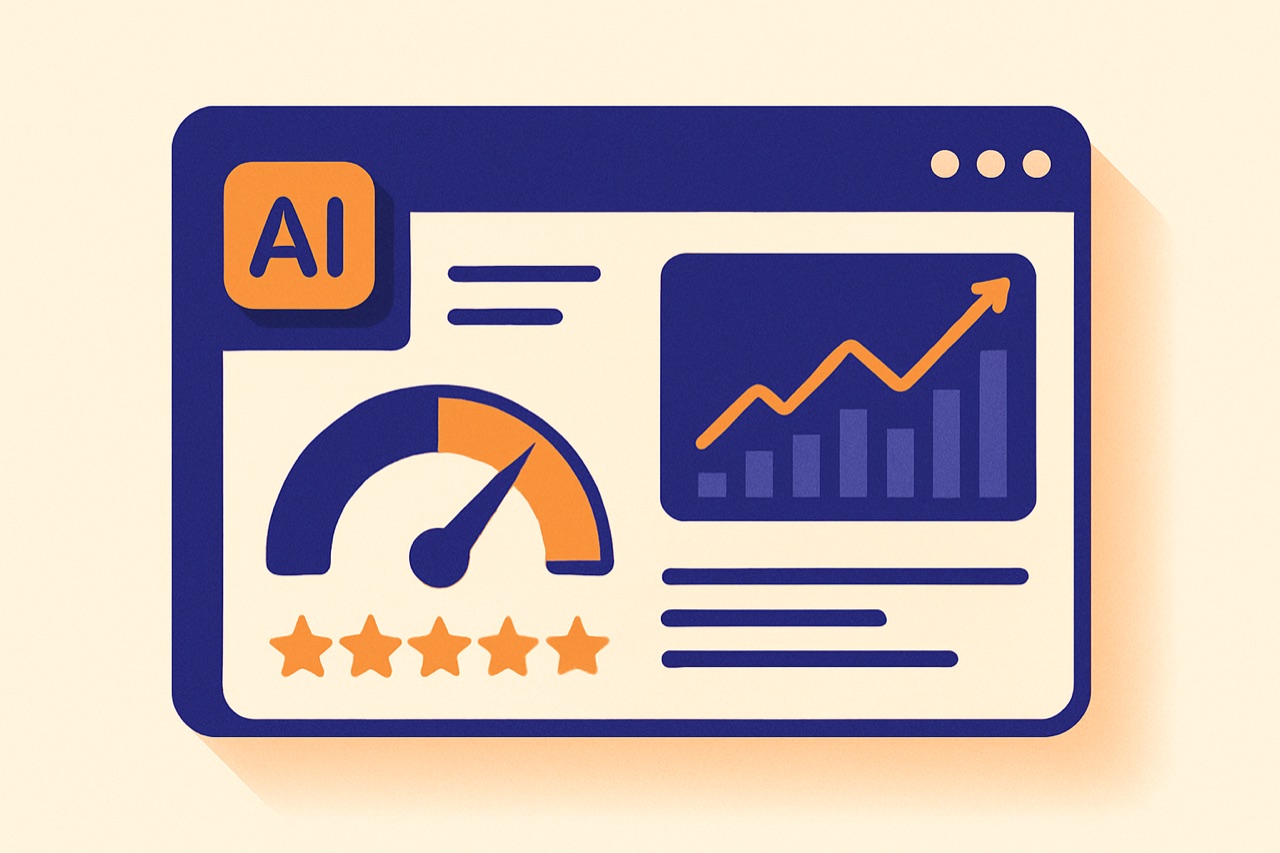
In the age of data-driven decision making, gut feelings are not enough to manage your online reputation. You need clear, actionable insights drawn from real customer feedback. AI-powered reputation reports go beyond simple star ratings — they analyze sentiment, identify trends, extract recurring themes, and provide concrete recommendations. In this article, we explore how Reevio's AI reports work, what metrics they track, and how you can use them to transform your review strategy.
What AI reputation reports analyze
Traditional review dashboards show you numbers: average rating, review count, response rate. AI reports go much deeper. Here is what Reevio's AI analyzes when generating a reputation report:
- Sentiment analysis: Every review is classified as positive, negative, mixed, or neutral. The AI goes beyond star ratings — a 3-star review can contain both praise and criticism, and the AI separates them.
- Theme extraction: The AI identifies specific topics customers mention: service quality, wait times, product quality, staff behavior, pricing, cleanliness, ambiance, and more. These themes are categorized and ranked by frequency.
- Trend detection: The AI compares current data with previous periods to detect improving or declining trends. Is your rating going up? Are complaints about wait times increasing? The report highlights what is changing.
- Competitive context: Your metrics are benchmarked against industry averages and best practices, giving you context for your numbers.
- Narrative generation: Instead of raw data tables, the AI produces a readable, executive-style narrative that any team member can understand.
Key metrics tracked in every report
Each Reevio AI report covers a comprehensive set of metrics that give you a 360-degree view of your online reputation:
- Average rating and trend: Your current average rating with a comparison to the previous period (is it rising, stable, or falling?).
- Review volume: Number of new reviews received during the report period, compared to the previous period.
- Response rate: Percentage of reviews that received a response. Industry best practice is 100%, and the report flags any gaps.
- Response time: Average time between a review being posted and your response being published. Faster is better.
- Sentiment distribution: Breakdown of positive, negative, mixed, and neutral reviews as percentages.
- Top positive themes: The most frequently praised aspects of your business (e.g., "friendly staff" mentioned in 34% of positive reviews).
- Top negative themes: The most frequently criticized aspects (e.g., "long wait times" mentioned in 28% of negative reviews).
- Rating distribution: Breakdown by star rating (how many 5-star, 4-star, etc.) with comparison to previous periods.
"Your average rating improved from 4.2 to 4.4 over the past 30 days, driven by a 15% decrease in 1-2 star reviews. The most praised theme was 'friendly staff' (mentioned in 42% of positive reviews), while 'parking difficulty' emerged as a new negative theme this month, appearing in 18% of negative reviews."
How to use report insights effectively
A report is only valuable if you act on it. Here is how to turn AI insights into concrete improvements:
- Address the top negative theme immediately: If the report identifies "slow service" as your top complaint, investigate the root cause and implement a fix. Then monitor the next report to see if the theme decreases.
- Double down on your strengths: If customers consistently praise your "knowledgeable staff," use that in your marketing. Highlight it on your website, in ads, and in social media.
- Share reports with your team: A monthly report review meeting keeps everyone aligned on reputation goals. When staff see real customer feedback, it motivates improvement.
- Set measurable goals: Use report metrics to set targets: "Increase response rate from 78% to 95%" or "Reduce average response time from 48 hours to 12 hours."
- Track progress over time: Compare consecutive reports to verify that your actions are having an impact. Look for positive trend lines in the metrics that matter most.
Recommended report frequency
How often should you generate and review reports? The answer depends on your review volume and business pace:
- Weekly reports — Best for: Businesses receiving 20+ reviews per week, newly opened locations, businesses in recovery mode after a reputation crisis. Weekly reports help you stay on top of fast-moving situations.
- Bi-weekly reports — Best for: Businesses receiving 10-20 reviews per week. Provides enough data for meaningful trends without overwhelming you with too-frequent analysis.
- Monthly reports — Best for: Most businesses. Monthly reports provide enough data points for statistical significance and meaningful trend analysis. This is the most popular frequency among Reevio users.
- Quarterly reports — Best for: Strategic planning, board presentations, and franchise owner meetings. Quarterly reports show big-picture trends and long-term progress.
Our recommendation:
- Generate monthly reports for operational use (team meetings, action planning)
- Generate quarterly reports for strategic use (executive summaries, investor updates)
- Generate ad-hoc reports whenever something unusual happens (sudden rating drop, viral review, new competitor)
Exporting and sharing reports
AI reports are most powerful when they reach the right people. Here is how to share your insights effectively:
- Copy to clipboard: With one click, copy the full report content for pasting into emails, documents, or messaging tools. Perfect for sharing with team members who do not have Reevio access.
- Print-friendly format: Reports are designed to print cleanly, with professional formatting suitable for physical handouts or filing.
- Team sharing: Share reports directly with team members through Reevio. Viewers and Users can access reports for their assigned locations.
- Presentation-ready: Extract key metrics, charts, and insights from reports to include in presentations, board decks, or marketing materials.
Who should receive reports?
- Business owners/executives: Monthly or quarterly summary with key metrics and strategic recommendations
- Location managers: Monthly detailed report for their specific location with action items
- Marketing team: Positive themes and customer quotes for testimonials and content marketing
- Operations team: Negative themes and trends that require operational changes
- Customer service team: Response rate and response time metrics with improvement targets
Key Takeaways
AI reputation reports transform raw review data into strategic intelligence. Here is what to remember:
- AI analyzes sentiment, themes, trends, and context — far beyond what a simple dashboard shows
- Key metrics include average rating trends, response rates, sentiment distribution, and theme analysis
- Turn insights into action: address top negatives, amplify top positives, set measurable goals
- Monthly reports work best for most businesses; adjust frequency based on your review volume
- Share reports with the right stakeholders to drive organization-wide improvement
With Reevio's AI reports, you do not just monitor your reputation — you understand it, manage it, and improve it with data-backed confidence. Generate your first report today and discover what your customers are really saying.
Try Reevio for free and discover how AI can transform your review management.
Try for free →Related articles

Automate review responses with AI
How artificial intelligence can generate personalized responses in seconds while maintaining a human touch.

GDPR and online reviews: what the law says
Legal obligations, right of reply, removal of defamatory reviews: everything you need to know about the legal framework.

Google reviews widget: boost trust on your website
Embed your best Google reviews directly on your website to reassure visitors and increase conversions.